
Gaming PC ka bill PSU par likhe 650W ya 750W se seedha nahi nikalta. PSU ki rated output capacity aur wall socket se measured electricity alag cheezein hain. Game, frame-rate limit, CPU/GPU load, monitor aur idle time ke saath input badalta rehta hai.
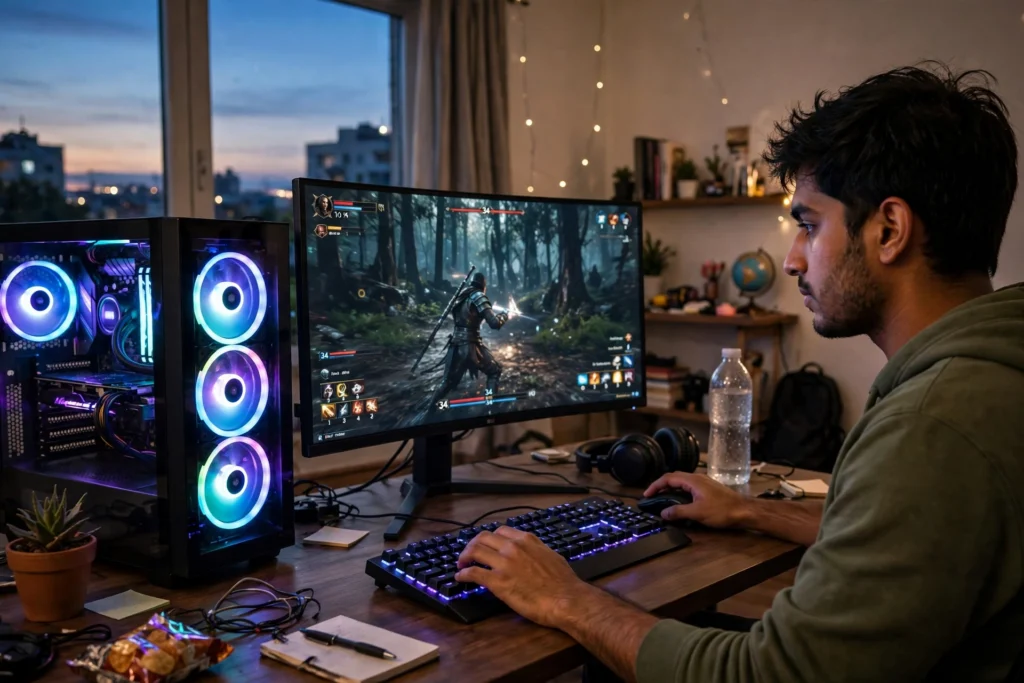
Sahi estimate ke liye ek hi maximum watt ko poore din par apply karne ke bajaye apne usage modes alag likhein. Neeche farzi schedule se aap yeh worksheet apne PC par use kar sakte hain.
Measurement boundary pehle tay karein
Energy meter sirf PC tower ko measure kar raha hai ya power strip par tower, monitor, speakers aur charger sab connected hain? Boundary ka naam likhein. Agar monitor total wall reading mein already shamil hai to uska watt dobara add karna double counting hoga.
Component software ke CPU/GPU figures bhi poore wall input ka substitute nahi. Wall-side input mein doosre components aur conversion losses ka asar ho sakta hai. Safe, appropriately rated measurement equipment use karein aur PSU khol kar testing na karein.
Gaming, browsing aur sleep ka 24-hour example
Yeh measured product test nahi, sirf independent illustrative schedule hai. Assume karein tower ke mode-wise average wall inputs aur hours yeh hain:
| Mode | Assumed average | Hours/day | Daily kWh |
|---|---|---|---|
| Gaming | 320W | 3 | 0.960 |
| Browsing / study | 75W | 5 | 0.375 |
| Sleep | 3W | 16 | 0.048 |
| Total tower | Modes separately counted | 24 | 1.383 |
Daily energy = watts × hours ÷ 1,000. Monthly tower energy = 1.383 × 30 = 41.49 units. 31-day billing period mein same pattern 42.873 units hoga.
K-Electric ka consumption calculator kWh ko electricity unit ke taur par use karta hai. Uska desktop default ek planning assumption hai, har gaming build ka benchmark nahi.
Monitor aur accessories ka separate hisaab
Agar upar ki reading sirf tower ki thi aur farzi monitor 40W average par 8 hours/day chala, to 40 × 8 × 30 ÷ 1,000 = 9.6 units. Tower plus monitor = 51.09 units. Agar 41.49-unit reading already poori power strip ki thi, 9.6 units add na karein.
Speakers, external drives aur RGB accessories ki power ko guessed equal amounts se bharne ke bajaye measurement boundary ya unka verified input use karein. Tiny speculative numbers jama karna complete measurement ka substitute nahi.
Agar sirf gaming ke 4 hours pata hon
Sirf gaming hours ka calculation baqi idle use ko cover nahi karta. Apna record is tarah likhein: “Gaming portion [kWh], study portion [kWh], sleep/shutdown portion [kWh], monitor [included/separate].” Hours overlap nahi hone chahiyein aur ek device ka total daily schedule 24 hours se zyada nahi hona chahiye.
Appliance Electricity Consumption Calculator mein har mode ka measured average draw aur duration separately estimate kar sakte hain. Average draw ke saath duty 100% rakhein. Gaming watts ko phir kisi guessed “PC duty cycle” se reduce na karein.
Monthly units se actual rupee impact
PC ka marginal bill samajhne ke liye ghar ke baseline units, category, sanctioned load aur relevant adjustments chahiyein. Extra cost = updated household bill − baseline household bill. Sirf extra units × current slab rate poora answer nahi.
Electricity Bill Calculator Pakistan mein dono totals compare karein. Agar PC pehle se current bill mein chal raha tha to uske existing units ko “new additional load” bana kar dobara add na karein. Protected-consumer boundary ke relevant eligibility rules bhi alag check honge.
FPS cap se saving ko khud kaise verify karein?
Same game scene, resolution, monitor setting aur comparable session length par cap se pehle aur baad energy record karein. Farzi A/B example mein pehla 30-minute run 0.18 kWh aur doosra 0.14 kWh ho to difference 0.04 kWh/session hai. Magar different game scenes ya temperatures ka comparison cap ki isolated saving prove nahi karta.
Apne liye acceptable performance ke saath graphics/frame settings test karein. Kisi universal “itne percent bill kam” promise ko apne measured result ke baghair accept na karein.
UPS aur electricity bill ka hisaab ek hi hai?
UPS backup ke liye active load, starting/peak demand, inverter rating aur battery behavior bhi chahiye. Grid par recharge losses aap ki wall energy ko affect kar sakti hain. PC ke stable gaming watts ko PSU maximum, UPS VA aur battery Ah ke saath directly equal na karein.
Battery & UPS Load Calculator mein supported inputs se sizing estimate dekhein. Compatibility aur protection settings installer se verify honge.
Reviewed 18 November 2026. Tamam wattages, schedules aur A/B readings teaching assumptions hain, measured universal PC specifications nahi.